Real-time scheduling: streamline your teams and resources



TL;DR:
- Real-time scheduling continuously adjusts tasks and resources as priorities shift, enabling teams to respond instantly. It relies on methodologies like RMS and EDF to optimize responsiveness and flexibility in dynamic environments. Successful implementation requires active monitoring and regular updates, not just automation, to ensure effective and reliable team coordination.
Scheduling a team of ten used to mean a whiteboard and a weekly meeting. Scheduling fifty people across three projects, four clients, and two time zones? That’s where most operations leads quietly start drowning. The real problem isn’t a lack of planning effort—it’s that traditional scheduling methods update too slowly to keep pace with fast-moving teams. When priorities shift mid-sprint, when a key developer goes out sick, or when a client suddenly moves a deadline forward, your schedule needs to respond in minutes, not days. Real-time scheduling makes that possible, and this guide explains exactly how.
Table of Contents
- What is real-time scheduling?
- Key methodologies: fixed vs. dynamic scheduling
- Preemptive vs. non-preemptive: how team priorities are managed
- Pitfalls and edge cases: what to watch out for
- Putting real-time scheduling into practice: steps for your team
- Why the best real-time scheduling is never ‘set and forget’
- Ready to streamline your scheduling?
- Frequently asked questions
Key Takeaways
| Point | Details |
|---|---|
| Real-time scheduling defined | It means updating team schedules instantly as needs shift, for maximum efficiency. |
| Fixed vs. dynamic methods | Choose between simple, role-based priorities and dynamic systems that optimize on the fly. |
| Preemptive prioritization | Letting urgent tasks interrupt routine work keeps critical projects on track. |
| Watch for pitfalls | Overload, priority inversion, and high admin cost can undermine your schedule unless actively managed. |
| Continuous refinement needed | The best real-time scheduling evolves with team feedback and ongoing measurement. |
What is real-time scheduling?
Real-time scheduling is the practice of continuously assigning, adjusting, and reprioritizing tasks or resources as conditions change, without waiting for a fixed review cycle. Unlike traditional batch scheduling, which updates on a set timetable (weekly plans, monthly resource reviews), real-time scheduling reacts instantly to new information.
The concept originates in computer science, specifically in how operating systems manage CPU tasks. In computing, a real-time scheduler ensures that critical processes get the processor time they need before their deadline, regardless of what else is running. That same logic now applies directly to team scheduling optimization: which team member works on which task, when, and with what level of urgency.
Three qualities define real-time scheduling in any context:
- Adaptability: The schedule changes when conditions change, not on a fixed cadence.
- Instant visibility: All stakeholders see updates as they happen, not after a meeting.
- Responsiveness: Urgent items jump the queue automatically based on priority rules.
Two core methodologies power most real-time scheduling systems. The first is Rate Monotonic Scheduling (RMS), where tasks with shorter periods or tighter recurring cycles are assigned higher priority. The second is Earliest Deadline First (EDF), which dynamically ranks every task by how soon its deadline arrives and recalculates priorities continuously. Research on scheduling in real-time systems confirms that RMS is mathematically safe up to approximately 69% utilization, while EDF can theoretically handle up to 100% utilization when priorities are recalculated dynamically.
For a growing startup or SMB, real-time scheduling adds the most value in scenarios like sudden shift changes, mid-project scope additions, client escalations, or resource constraints caused by unexpected absences. These situations break static schedules instantly. A real-time system absorbs them without chaos.
Key methodologies: fixed vs. dynamic scheduling
With the basics in place, let’s look closer at the common ways real-time scheduling is implemented for teams.
Fixed and dynamic scheduling represent two very different philosophies. Neither is universally better. The right choice depends on how predictable your workload actually is.
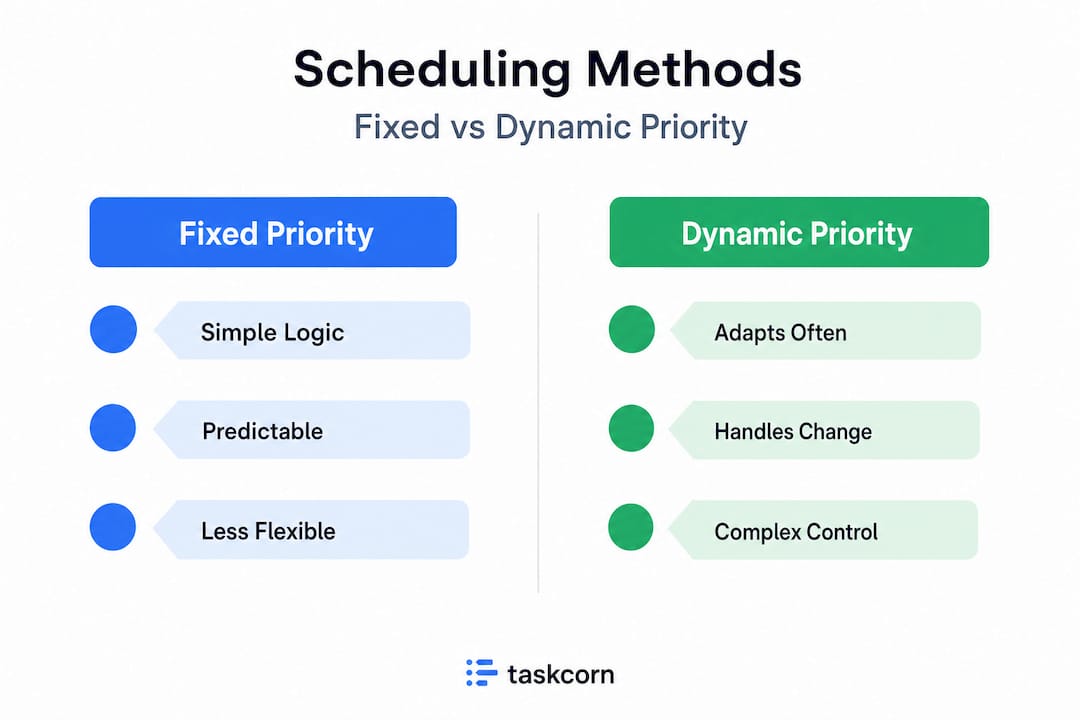
Fixed priority scheduling (RMS) assigns each role or task type a standing priority level that doesn’t change. Your customer support queue always ranks above internal documentation. Your on-call engineer always takes incident tickets before feature work. This approach is simple to manage, easy to communicate to the team, and requires minimal computational overhead. It works beautifully for operations with consistent, repeating tasks: front desk coverage, daily standups, weekly reporting cycles.
Dynamic priority scheduling (EDF) recalculates priorities constantly. The task with the nearest deadline wins processor time, or in team terms, gets assigned the next available person. This is more powerful for complex environments where project urgency shifts hourly. An agency handling ten simultaneous client accounts, for example, benefits significantly from EDF logic because client priorities genuinely change that fast.

| Feature | Fixed priority (RMS) | Dynamic priority (EDF) |
|---|---|---|
| Priority changes | Never | Continuously |
| Best for | Predictable, routine workflows | High-variability, multi-client teams |
| Overhead | Low | Higher (requires real-time data) |
| Max safe utilization | ~69% | Up to 100% |
| Implementation complexity | Simple | Moderate to high |
| Risk of failure | Low at safe load levels | Priority recalculation errors under extreme load |
Understanding RMS and EDF tradeoffs is critical for any team building a scheduling model. Fixed priorities offer simplicity but sacrifice flexibility. Dynamic priorities optimize performance but require real-time data feeds and more sophisticated tooling to manage correctly, especially in fast-growth environments where the volume of tasks changes week over week.
A good starting point for most SMBs is a step-by-step team scheduling process that begins with fixed priority logic, then layers in dynamic adjustments for your highest-urgency project streams only. That hybrid approach captures most of the benefit without overwhelming your operations team.
Pro Tip: Don’t over-engineer your scheduling model for simple needs. If your team handles three recurring project types with stable cycles, RMS-style fixed priorities will outperform a complex dynamic system because they’re easier to maintain and troubleshoot. Reserve dynamic scheduling for the workflows where it genuinely changes outcomes.
When streamlining your scheduling workflow, the key is matching the methodology to the actual variability of your work, not to the sophistication of your tooling.
Preemptive vs. non-preemptive: how team priorities are managed
Once you understand the basic methodologies, another key distinction shapes scheduling outcomes: how priorities interrupt or wait.
Preemptive scheduling allows a higher-priority task to immediately displace a lower-priority one already in progress. In computing terms, the CPU stops what it’s doing and switches. In team terms, your best developer pauses the feature sprint to handle a production incident. The key insight is that preemptive scheduling is essential when you operate in environments with hard deadlines, because it guarantees critical work never waits in line behind routine tasks.
Non-preemptive scheduling, by contrast, lets a current task run to completion before the next one begins. This sounds reasonable until a client emergency arrives and your most capable project manager is buried in a low-stakes internal report with two hours left on the clock. That’s called priority inversion: a high-priority need sits blocked by a low-priority task that simply got started first.
Here’s how a preemptive scheduling sequence might actually look for an operations team:
- Monday 9 AM: Developer A begins sprint task (medium priority, three-day estimate).
- Monday 11 AM: Client reports critical bug in production (highest priority, must resolve in four hours).
- Preemptive rule triggers: Developer A pauses sprint task, switches to bug resolution.
- Monday 2 PM: Bug resolved. Developer A returns to sprint task with updated timeline.
- Team lead notified: Slack and project board updated automatically to reflect the schedule change.
“Without preemptive logic, that bug would have waited two hours for Developer A to finish a routine task—and the client would have noticed. Preemptive scheduling isn’t just a technical preference; it’s a business continuity decision.”
For project forecasting strategies to remain accurate, your scheduling system needs to account for preemptive interruptions and automatically recalculate delivery dates when high-priority tasks bump planned work. If your current tool doesn’t do this, your forecasts are almost certainly optimistic.
Pitfalls and edge cases: what to watch out for
Even with strong systems, it’s easy to run into unexpected issues—here’s what most teams miss.
Real-time scheduling is powerful, but it creates its own failure modes. The most dangerous ones are invisible until they’ve already caused a missed deadline or a burned-out team member.
Common pitfalls and how to detect them:
- Priority inversion: A low-priority task blocks a high-priority one. Watch for it when urgent requests consistently take longer than expected even though the team isn’t “busy.”
- Deadline misses under load: RMS is safe below 69% utilization, but above that threshold, deadline misses become mathematically probable. If your team runs at 85% capacity regularly, no scheduling algorithm will save you from overload.
- Context-switching overhead: Dynamic algorithms like EDF recalculate priorities constantly. For human teams, frequent task-switching carries a real cognitive cost. Research in productivity science consistently shows that task-switching reduces effective output by 15 to 40 percent depending on task complexity.
- Administrative overhead: Dynamic scheduling requires real-time data. If your team isn’t updating task status accurately, the scheduler makes decisions based on stale information, which is often worse than no scheduling at all.
| Pitfall | Early warning sign | Fix |
|---|---|---|
| Priority inversion | Urgent tasks consistently delayed | Add preemptive rules for top priority types |
| Overload deadline misses | Multiple missed deadlines in same sprint | Reduce intake, audit capacity thresholds |
| Context-switching fatigue | Team reports feeling scattered, low output | Batch lower-priority tasks, protect focus blocks |
| Data staleness | Schedule shows tasks “in progress” for days | Enforce daily status updates, use automated tracking |
| Algorithm over-complexity | Scheduler changes confuse team members | Simplify to fewer priority tiers |
For real-time team coordination to work, your team needs to trust the schedule. That means the system stays visible, updates stay current, and the priority logic stays simple enough for everyone to understand without a manual. An AI-powered management guide can offer additional context on how AI-assisted tools help surface these pitfalls before they escalate.
Putting real-time scheduling into practice: steps for your team
Now, let’s talk action—how can you actually implement these concepts next week?
Transitioning from static spreadsheets to real-time scheduling doesn’t require a six-month rollout. With the right approach, most SMB teams can have a functional system running within two to three weeks.
-
Audit your current workflow for bottlenecks. Map every recurring task type, note its frequency, and identify where delays consistently happen. You’re looking for signs of priority inversion and chronic overload.
-
Choose your scheduling model. If your workload is mostly predictable and cyclical, start with fixed priority (RMS-style) logic. If you manage multiple client accounts or highly variable project streams, plan for dynamic (EDF-style) scheduling with a real-time data feed. Research on scheduling methodologies confirms EDF handles 100% utilization only when priority recalculation is genuinely continuous, which requires tooling support.
-
Define your priority tiers clearly. Limit yourself to three to five tiers maximum. “Critical,” “High,” “Standard,” and “Low” is a good starting set. Every team member should be able to classify any task in under ten seconds without consulting a guide.
-
Set up preemptive rules for your top priority tier. Identify which task types always jump the queue, communicate this clearly to the team, and make sure your scheduling tool can enforce it automatically. Review efficient real-time collaboration practices to understand how to keep the team aligned during frequent priority shifts.
-
Measure and adjust weekly. Track deadline hit rate, context-switch frequency, and average task completion time. Use these metrics to spot drift early. Consult your team capacity optimization guide to set realistic utilization thresholds (stay below 75 to 80% to preserve buffer capacity).
Pro Tip: In your first month, run your real-time scheduler in parallel with your old process for one or two project streams. This gives you comparison data to show stakeholders the improvement without risking full operational exposure. An AI-driven scheduling case study illustrates how even service businesses achieved measurable efficiency gains through phased implementation.
Why the best real-time scheduling is never ‘set and forget’
There’s a persistent myth in operations management: that once you automate scheduling, you can step back and let the system handle it. In practice, this is one of the most expensive mistakes growing teams make.
Every scheduling algorithm, whether RMS, EDF, or a hybrid, operates on the data it receives. The moment that data stops reflecting reality, the algorithm starts making confidently wrong decisions. A task marked “in progress” that’s actually blocked. A team member marked “available” who’s actually on a client call. These gaps compound silently until suddenly three deliverables are late and nobody saw it coming.
The real competitive advantage of real-time scheduling isn’t the automation. It’s the visibility it creates when humans actively monitor it. We’ve seen teams go from weekly planning chaos to daily rhythm not because their tool was smarter, but because someone on the operations team committed to a fifteen-minute daily check of the schedule dashboard. That one habit changed everything.
The tradeoffs between fixed and dynamic scheduling remind us that even the most optimized algorithm breaks down under unexpected load. No EDF implementation can predict tomorrow’s new client emergency, the senior engineer who calls in sick at 8 AM, or the scope change that arrives at 4 PM Friday. Only a person watching the system can respond to those moments with judgment.
The teams that get the most from real-time scheduling treat it as an active discipline, not a passive feature. They review team workflow examples to benchmark their own practices, they run retrospectives on scheduling failures, and they update their priority rules when the business model changes. That continuous feedback loop is what separates a team that occasionally hits deadlines from one that consistently delivers.
Real-time scheduling isn’t a product you buy. It’s a practice you build.
Ready to streamline your scheduling?
If you’ve been manually juggling spreadsheets, chasing people down for updates, or watching deadlines slip because priorities weren’t clear, the concepts in this guide point directly to the gap. Real-time visibility, dynamic priority logic, and preemptive rules aren’t abstract theory—they’re the mechanics behind every high-performing operations team.
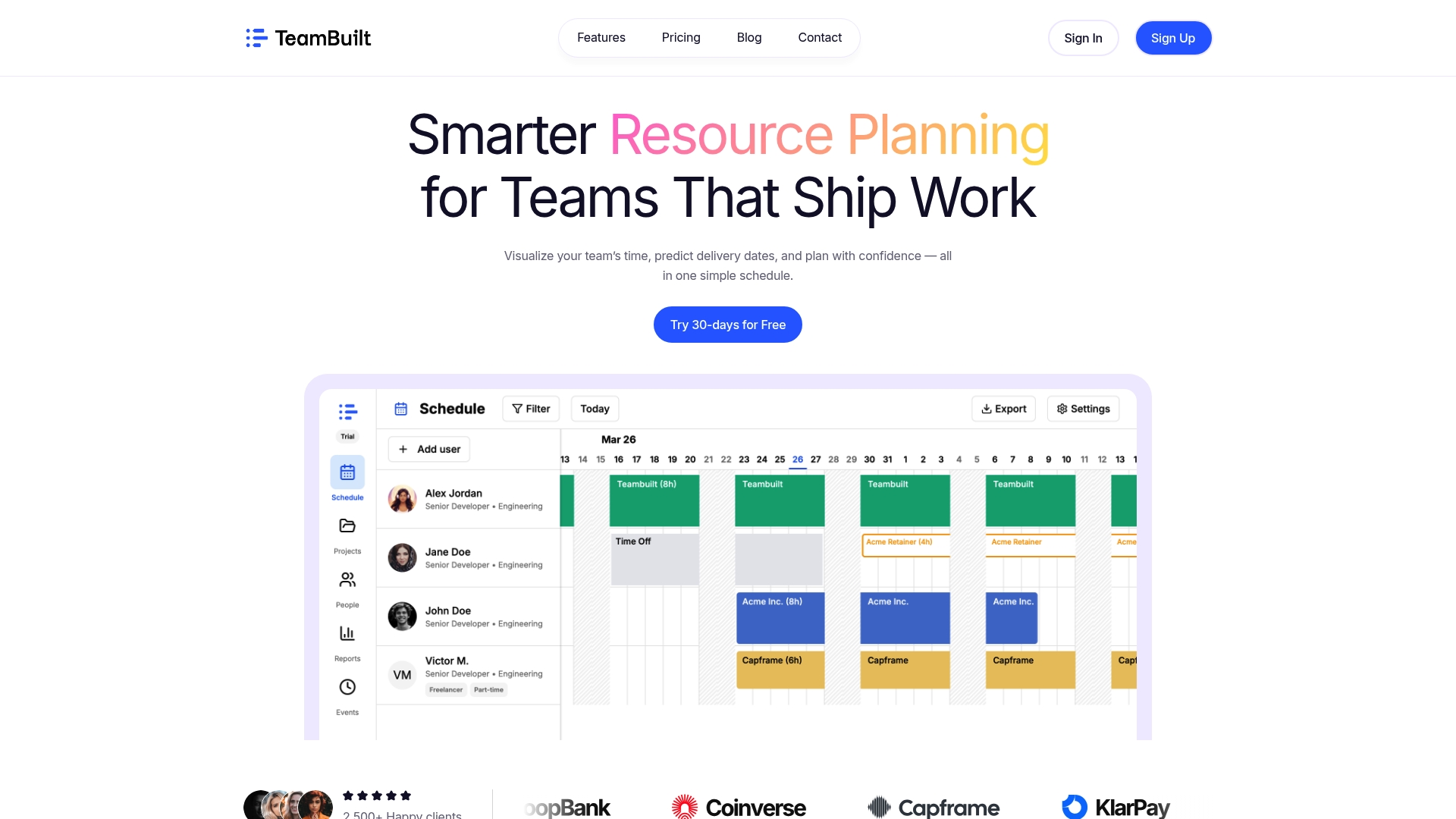
TeamBuilt brings these mechanics into a single platform purpose-built for growing startups and SMBs. From real-time workload visualization to scheduling features that surface capacity gaps before they become missed deadlines, the TeamBuilt platform is designed for operations leads who need clarity, not more complexity. Explore how TeamBuilt can replace your scattered workflows with one coordinated view of your entire team’s capacity and priorities—and start delivering with confidence.
Frequently asked questions
How does real-time scheduling differ from traditional scheduling?
Real-time scheduling updates tasks and resources instantly as conditions change, while traditional scheduling relies on set intervals and manual review cycles. Methodologies like RMS and EDF make continuous priority adjustment possible without human intervention at every step.
What’s the main risk of dynamic real-time scheduling?
The primary risk is high context-switch and administrative overhead when too many priority changes happen simultaneously. Priority inversion and deadline misses are also common failure modes when system load exceeds safe thresholds.
Can real-time scheduling prevent missed deadlines?
Yes, but only when the system isn’t overloaded and priority logic is correctly configured. Deadline misses still occur in overloaded environments, particularly when utilization exceeds the safe capacity ceiling for the scheduling model in use.
When should a team use preemptive over non-preemptive scheduling?
Teams should choose preemptive scheduling whenever urgent, unpredictable tasks could arise and must always take priority over in-progress lower-priority work. Preemptive scheduling is especially critical in client-facing operations where response time directly affects satisfaction.
What’s an example of real-time scheduling in business?
A practical example is dynamic shift allocation in a customer support team, where agents are reassigned instantly as ticket volume spikes in one channel. Another example is a software team that pauses sprint work the moment a critical production incident is flagged, with the schedule automatically updated to reflect the new priority.
Recommended