Top 4 Teamdeck.io Resource Planning Alternatives 2026



Managing team workloads, project forecasts, and resource scheduling without delays or confusion remains difficult for teams switching from spreadsheets or legacy tools. Many tools lock features behind expensive seat pricing or restrict integrations, which limits planning for growing teams and agencies. This review compares pricing, integrations, and real-time visibility across four resource planning platforms so teams can match a system to their project and workflow needs.
Table of Contents
Teambuilt
At a Glance
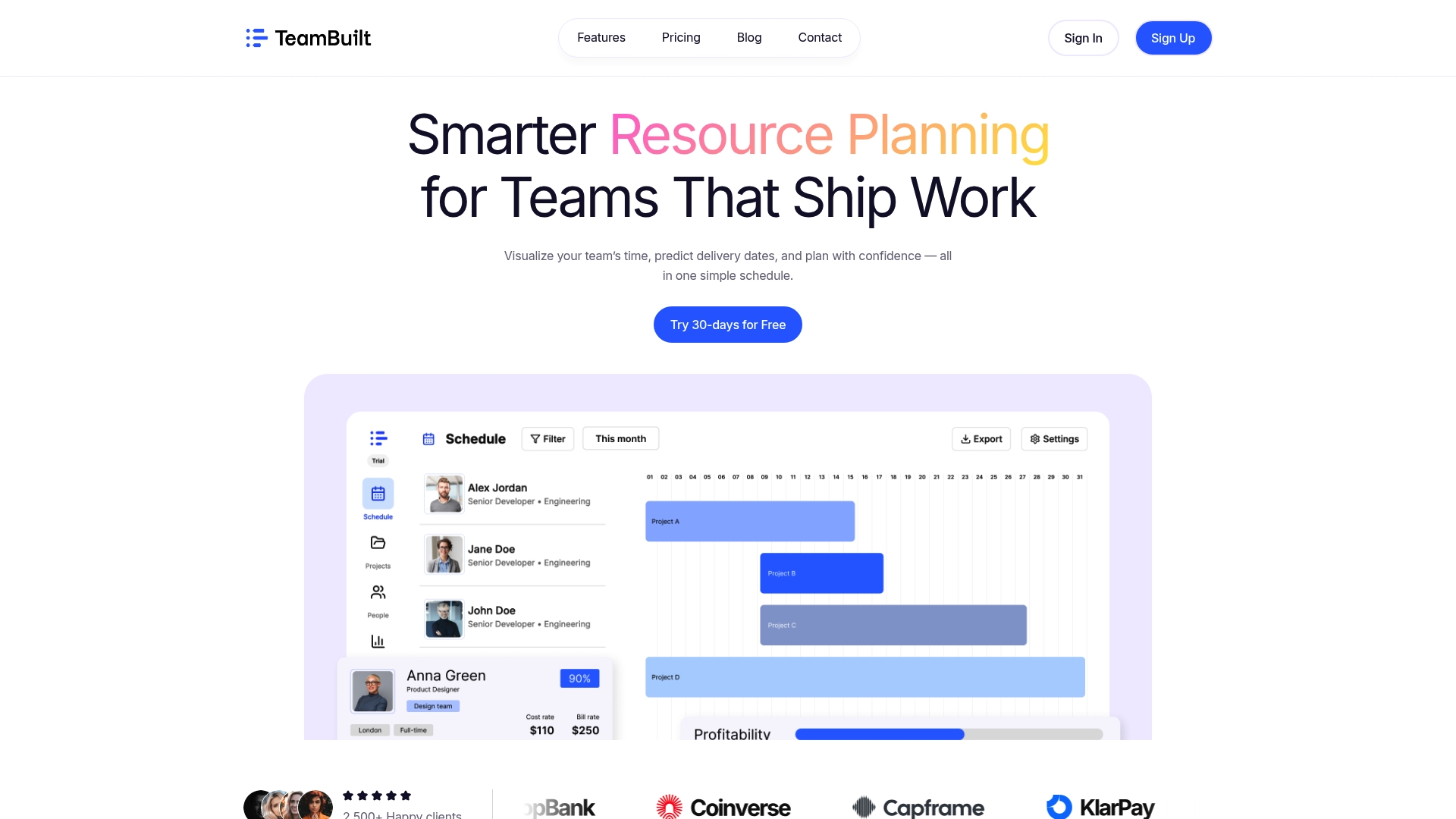
Teambuilt reports that it gives real-time visibility into team workload and uses project forecasts to predict delivery dates. The platform targets startups, SMBs, and agencies that need centralized planning instead of spreadsheets. It runs as a SaaS resource planning tool built for multi-team coordination with a focus on security and privacy.
Core Features
Teambuilt combines real-time team scheduling and workload visualization with project forecasting to estimate delivery dates. The product also includes capacity and utilization tracking so you can spot overbooked people and underused capacity. Cross-team coordination tools and real-time insights help project managers and operations leads balance work and manage dependencies, while an open API and pre-built integrations connect Teambuilt to other systems.
Key Differentiator
Teambuilt’s single standout is live visibility into who is busy and when, paired with forecasted delivery dates. That pairing helps teams reassign resources before deadlines slip and reduces last-minute scope fights. The visibility model focuses on planning across multiple teams and complex workflows.
Pros
The interface gives a clear, live view of workloads and availability across teams, which reduces guesswork when assigning work. Project forecasts and delivery date predictions make it easier to set realistic deadlines and manage dependencies across departments. Teambuilt also supports collaboration and transparency, offers flexible plans that include a free trial, and connects to existing tools through an open API and pre-built integrations.
Cons
- Advanced features can feel complex to use without guided onboarding, which may require a training investment.
Who It’s For
Teambuilt suits project managers, operations leads, CTOs, CFOs, and HR professionals at startups and growing teams that need real-time resource planning. It fits organizations replacing spreadsheets and scattered workflows with a centralized planning tool. Larger enterprises with highly complex portfolios should evaluate customization limits first.
Unique Value Proposition
Real-time workload visibility plus delivery forecasting turns reactive firefighting into proactive planning. That combination shortens the feedback loop between schedule changes and resource reassignment. For teams juggling multiple projects and handoffs, this reduces deadline slippage and improves predictability in planning cycles.
Real World Use Case
A tech startup used Teambuilt to map each developer and designer to sprint tasks and forecast release dates. Planners spotted a resource bottleneck two weeks earlier than before and reassigned work to an available engineer. The result was fewer missed deadlines and clearer expectations for stakeholders.
Pricing
Teambuilt lists a free tier, a Pro plan at $4.00 per month per user, and a Growth plan at $3.60 per month per user, with a free trial available. The vendor frames pricing by user seat, making cost planning straightforward for small and growing teams.
Website: https://teambuilt.app
Resource Guru
At a Glance
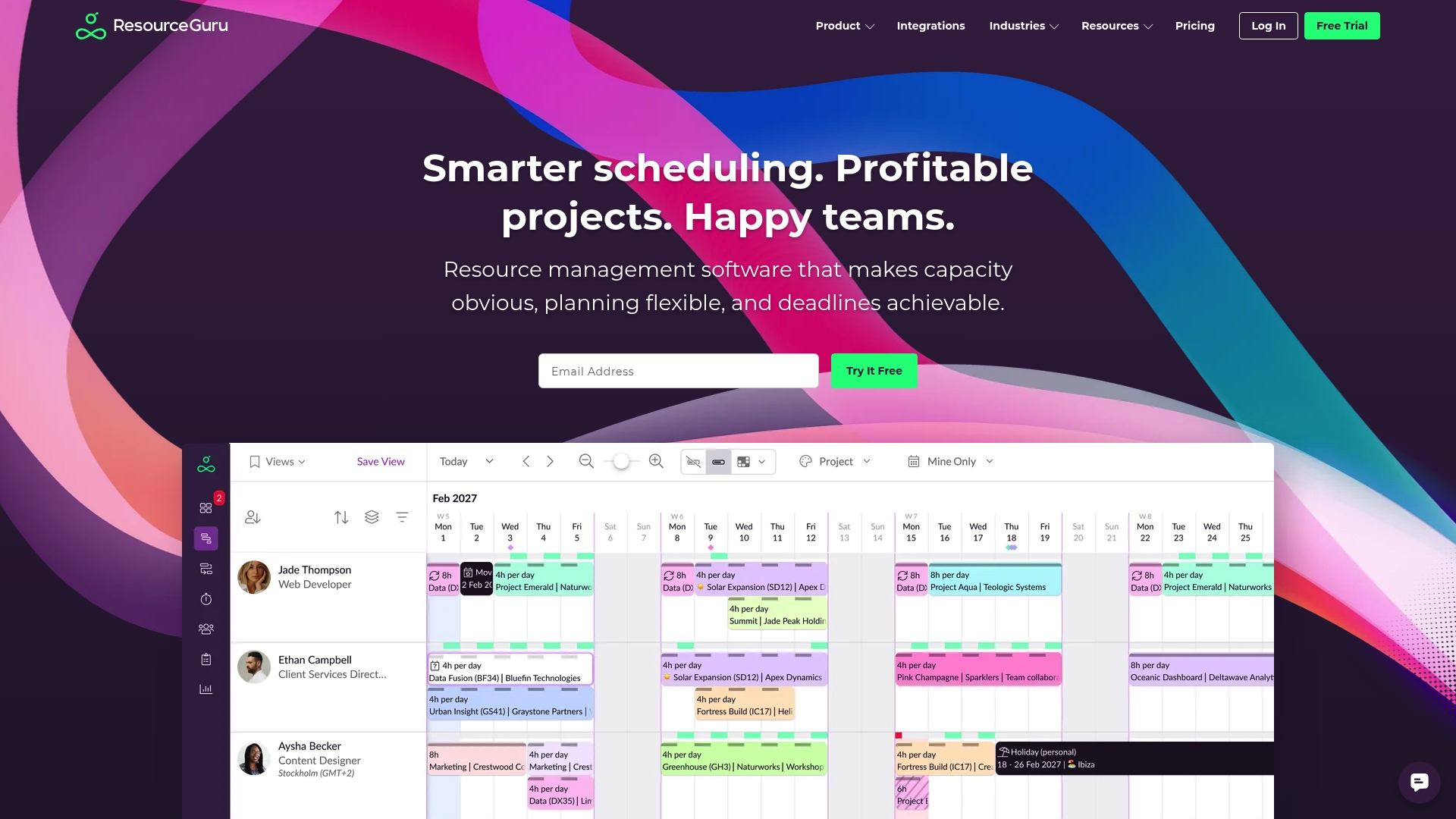
Resource Guru reports more than 65,000 users across 100+ countries. That user count suggests the product has broad adoption across multiple industries. The platform emphasizes real-time capacity insights, Gantt style project planning, and built in conflict resolution for schedules.
Core Features
The product centers on resource scheduling and capacity planning that show team availability in calendar and timeline views. It also includes leave management, equipment and meeting room booking, project planning with Gantt style timelines, and built in timesheets and reporting. An open API and integration options let teams connect calendars, CRM, and financial tools to keep data synchronized.
Key Differentiator
Resource Guru focuses on deep integration with the tools teams already use and live visibility into who is booked. That combination aims to reduce double bookings and workload spikes by making availability obvious at a glance. Teams that need a single source for capacity and external tool data tend to value that joined up visibility.
Pros
The interface has a low learning curve and admins can configure schedules quickly, which cuts setup time. Built in scheduling and leave controls deliver clear availability and help managers shift assignments when priorities change. The API and the list of calendar and project integrations make it workable for teams that must connect billing, CRM, or task platforms to their resource data.
Cons
- Reporting customization is limited compared with more analytics focused tools.
- Pricing can feel high for very small teams despite the low entry price.
- Real time views require a cloud connection, which can disrupt visibility when the network is down.
When It May Not Fit
If your team needs deeply customizable reports, Resource Guru may fall short. Large engineering teams that require complex API work will face setup effort and may need developer resources. Very small teams with tight budgets may find the per user pricing less attractive than simpler roster tools.
Notable Integrations
- Outlook Calendar
- Google Calendar
- Jira
- Asana
- Monday.com
- Trello
- Slack
- Microsoft Teams
Who It’s For
Mid sized teams and organizations that need clear visibility into who is available and when will get the most value. Project managers and resource planners in agencies, IT teams, and consulting firms will find the calendar and timeline views useful. Service based businesses that bill by hour can map schedules to timesheets and external billing systems.
Real World Use Case
A creative agency uses Resource Guru to assign people across multiple client projects and to visualize capacity for the week. The team tracks billable hours in timesheets and records time off so managers avoid over allocation. Integrations keep project tasks and accounting entries aligned with staffing decisions.
Pricing
Plans start at $4.16 per user per month for the Grasshopper plan, with tiered options that add features and controls for larger teams. Billing is per user and scales as teams add seats or require advanced capabilities. Volume and enterprise pricing details are available from the vendor.
Website: https://resourceguruapp.com
Teambook
At a Glance
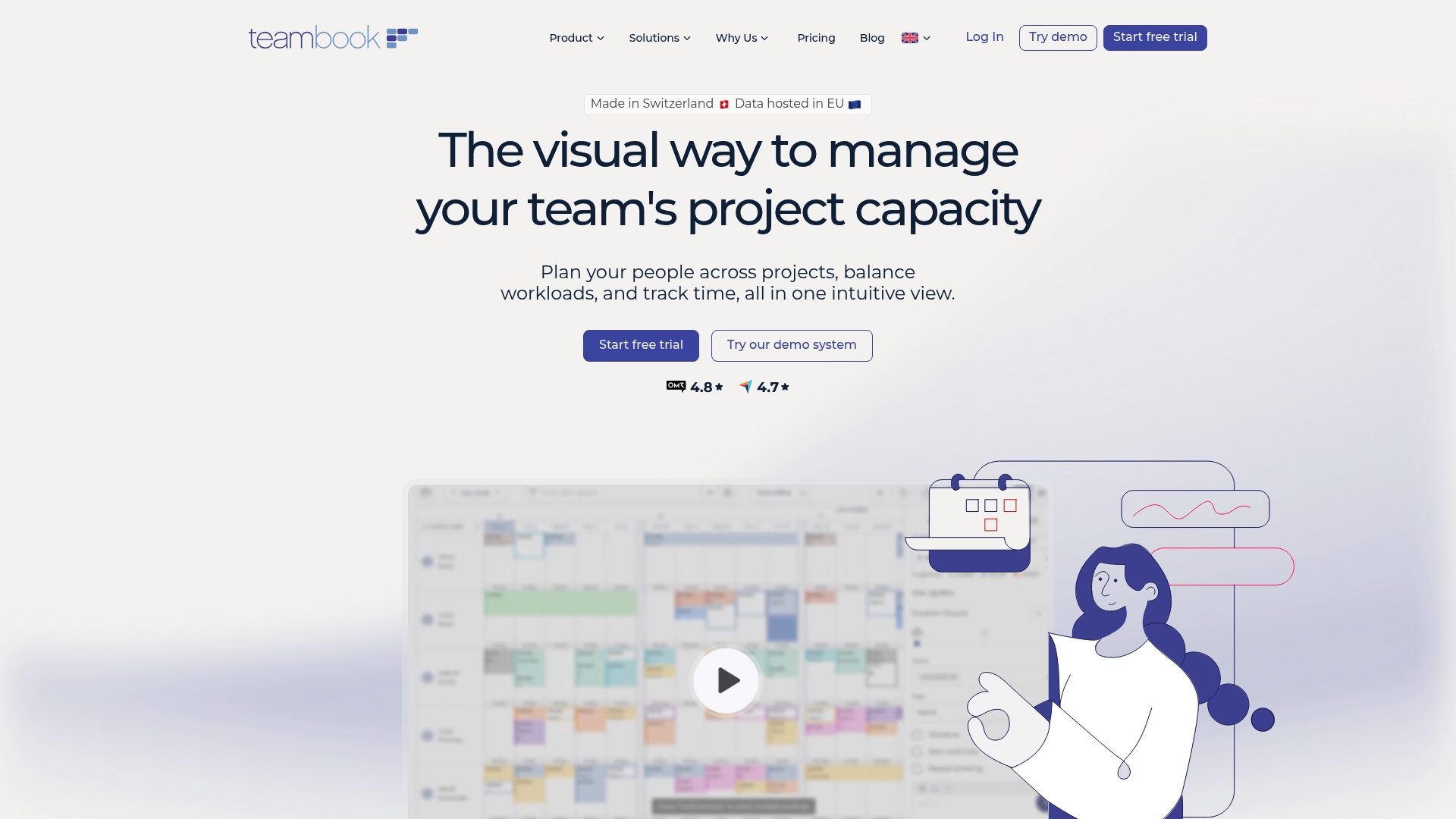
€2 per project per month covers unlimited users on that project. Teambook pairs capacity forecasting with operational scheduling while hosting data in Europe. The platform targets agencies, consulting firms, engineering teams, construction groups, and IT teams that need clear workload visibility.
Core Features
Teambook offers project planning and scheduling alongside capacity visualization and forecasting so you can compare demand against available staff. It includes time tracking and timesheet management with real time workload indicators and automated reminders for timesheet submissions and project updates. Mobile apps for iOS and Android and calendar sync keep schedules aligned across devices and teams.
Key Differentiator
Full capacity forecasting sits inside the scheduling interface, which keeps future staffing needs tied directly to current plans. Hosting within Europe with GDPR compliance reduces data residency concerns for EU organizations. That focus makes the tool more planning centric than automation centric.
Pros
The interface is intuitive and shortens onboarding time for planners and project leads. Pay per project pricing means your cost tracks projects rather than seat counts, which suits agencies that add and close projects frequently. European hosting and multilingual support address privacy and cross border collaboration needs. Customer support receives positive mentions from buyers and the forecasting tools handle multi project visibility clearly.
Cons
-
Integration and automation detail is limited compared with larger enterprise workflow platforms. The vendor lists integrations but does not publish deep automation examples.
-
Reviews indicate the product favors operational simplicity rather than advanced customization or complex workflow rules. That limits use for heavily scripted processes.
-
Pricing by project may not be flexible for very small teams or organizations with unpredictable project volumes.
When It May Not Fit
Teams that rely on heavy workflow automation or require custom process engines will find the platform too planning focused. Very small teams with only occasional projects may see higher relative cost from a project based model. Organizations needing deep developer APIs for process orchestration should verify integration depth before committing.
Notable Integrations
- Calendar sync including Google Calendar and Outlook
- Slack for team notifications
- HubSpot for client records and handoffs
- Jira for developer planning
- Quickbooks for basic invoicing connections
Who It’s For
Mid sized to large professional service teams in Europe that need visual workload management and capacity forecasting. Project managers, operations leads, and finance teams that require GDPR compliant hosting will find the platform matches their constraints. Agencies and consultancies that bill by project will appreciate the pricing model.
Real World Use Case
A consulting company uses Teambook to allocate staff across multiple client engagements and to visualize capacity over the next year. The team automates timesheet reminders and exports hours to their invoicing flow. That practice reduces billing disputes and highlights future staffing gaps earlier.
Pricing
The listed price is €2 per project per month with unlimited users included on each project. Capacity visualization and timesheet management appear as add ons. A free trial is available with no credit card required.
Website: https://teambookapp.com
Ganttic
At a Glance
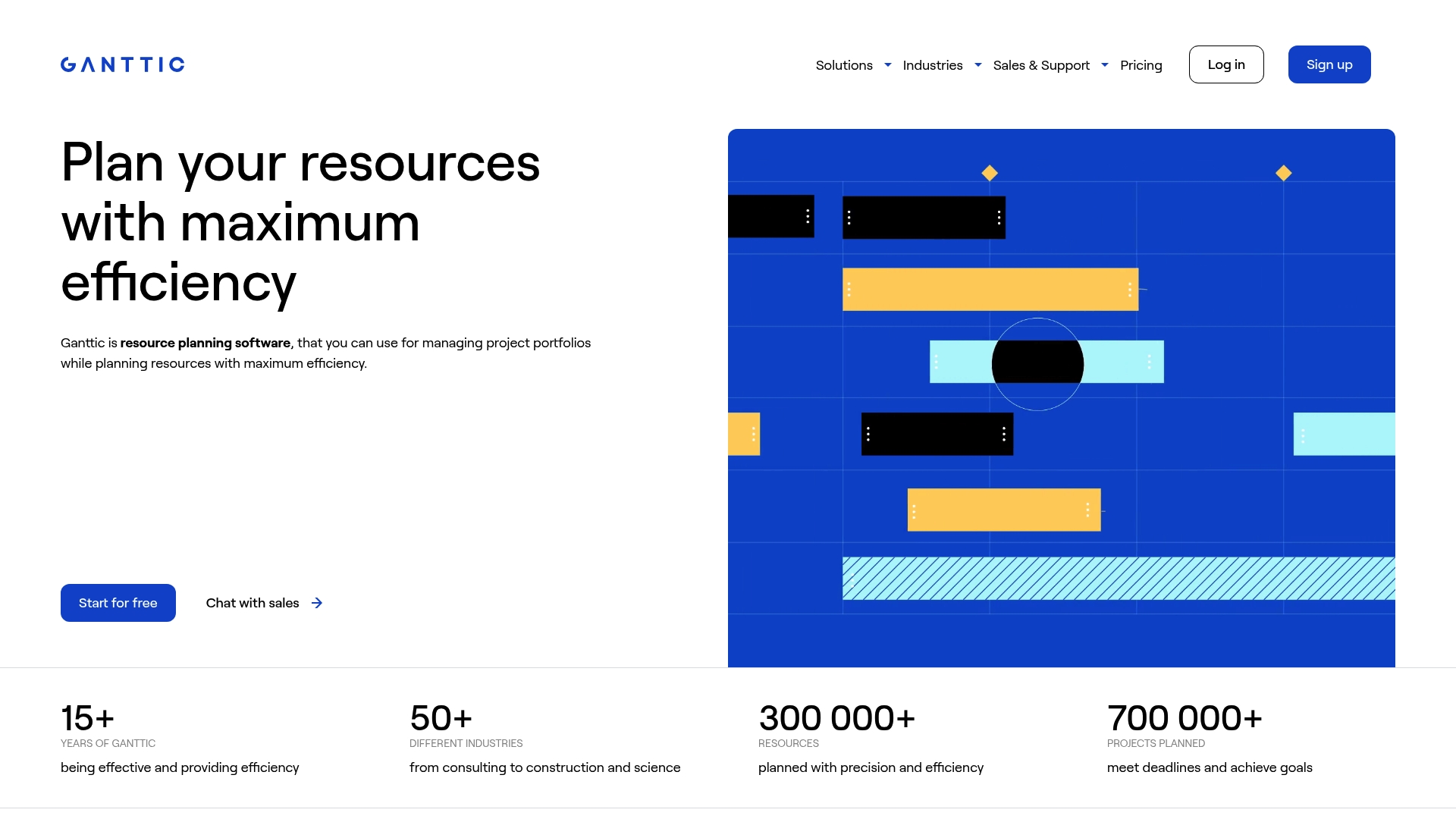
According to the company, Port of Hanko manages over 1,200 vessels annually using Ganttic. The example shows the product handling dense, recurring scheduling across many resource types. Ganttic also advertises support for unlimited collaborators and integrations, which favors multiteam coordination and shared planning.
Core Features
Ganttic centers on Resource Scheduling with visual timelines and multi view Gantt charts that replace spreadsheet planning. It pairs resource capacity planning with equipment scheduling and portfolio management so teams can balance workloads across projects and assets. The platform includes collaboration tools and APIs to connect calendars and custom systems.
Key Differentiator
The core distinction is wide flexibility across industries and resource types. Ganttic adapts to equipment-heavy workflows, staff scheduling, and mixed portfolios without forcing a single planning model. That flexibility makes it useful for operations that mix people, machines, and external bookings.
Pros
The interface is quick to learn for basic scheduling, and many teams can start building schedules in one session. The tool offers strong visual clarity through Gantt charts and multiple views, which helps spotting conflicts and idle time. Vendor materials highlight full onboarding and support services, and the product advertises unlimited collaborators and integrations for cross functional teams.
Cons
- Pricing details are not specified explicitly on the homepage, which makes cost modeling harder for procurement.
- Large or highly detailed resource pools can become complex to maintain without planning guidelines.
- Some teams will need formal training to use advanced capacity planning and portfolio features.
When It May Not Fit
If your procurement process requires transparent, line by line pricing on a public page, this product may feel opaque. Organizations with thousands of resources should plan for a setup and governance phase before scaling. Teams that only need simple task lists or time tracking will find more focused tools cheaper and faster to adopt.
Notable Integrations
- Google Calendar
- Outlook Calendar
- APIs for custom integrations
Who It’s For
Ganttic fits mid to large organizations that manage mixed resource types and project portfolios. Project managers, resource planners, and operations teams who need visual workload balancing will get the most value. The product suits industries such as construction, engineering, creative agencies, and environmental services.
Real World Use Case
The Port of Hanko example shows the product scheduling high frequency operations across vessels and staff. Aristotle University used Ganttic to coordinate labs and shared equipment among research teams. Those cases show how visual scheduling helps reduce booking conflicts and improve utilization.
Pricing
Pricing starts From $0.92 per resource per month for up to 20 resources, with options for larger resource pools and custom packages. Custom packages are available for teams that need more resources or tailored support.
Website: https://ganttic.com
Comparison of alternatives
In the search for versatile resource planning software, Teambuilt stands out for its real-time forecasting and visibility capabilities, which significantly benefit teams managing intricate workflows. Competing products such as Resource Guru and Teambook provide noteworthy features tailored for specific challenges readers may face.
Integration depth and ecosystem breadth
When considering integrations, Resource Guru offers extensive compatibility with established platforms including Jira, Google Calendar, Trello, and Outlook. This feature simplifies tool consolidation for agencies and IT departments managing interconnected workflows. In contrast, while Teambuilt supports integrations, its offerings are less diverse compared to the extensive network provided by Resource Guru.
Pricing models suited for varied workloads
Teambook introduces a project-based pricing model, charging €2 per project monthly regardless of the user count. This approach proves advantageous for agencies juggling dynamic projects while aiming to maintain cost efficiency. Alternatively, Teambuilt employs a user-seat pricing strategy conducive to growing teams requiring forecastable billing irrespective of project variability.
Best fit
- Teams overseeing multiple departments simultaneously and benefiting from predictive delivery dates will gain from Teambuilt.
- Agencies managing several simultaneous projects seeking economical budgeting per client engagement will prefer Teambook.
- Organizations emphasizing integrations to maintain workflow continuity across miscellaneous platforms will find Resource Guru ideal.
Our pick
Teambuilt encompasses a distinct approach with real-time workload visibility and predictive resource forecasting that enhances team productivity by offering proactive scheduling insights. Nonetheless, teams emphasizing integration flexibility or project-based cost predictability may explore competitors such as Resource Guru or Teambook.
Resource planning tools excel in distinct areas such as capacity visualization, scheduling interfaces, and prediction features, helping teams select the most fitting platform for their needs.
| Product | Key Differentiator | Best For | Pricing | Limitation |
|---|---|---|---|---|
| Teambuilt | Delivery forecasts and real-time workload | Startups and growing teams | Free, Pro at $4, Growth at $3.60 | Advanced features may require training investment |
| Resource Guru | Integrated data and clear live availability | Mid-sized teams, agencies, consulting firms | Starting at $4.16 per user monthly | Limited customization for reporting |
| Teambook | GDPR-compliant hosting with EU focus | European teams needing project-based pricing | €2 per project monthly | Limited automation detail for complex workflows |
| Ganttic | Flexibility for mixed resource types | Operations balancing large portfolios | Starting at $0.92 per resource | Pricing not transparent on the homepage |
Balancing Team Workloads and Project Deadlines with Reliable Resource Planning
Managing resources across multiple teams can cause constant uncertainty in deadlines and capacity. Team managers often need clear, live insights into who is available to assign tasks and adjust plans before deadlines slip. Teambuilt provides real-time workload visualization along with project delivery forecasting to reduce conflicts and improve predictability.
Teambuilt addresses key user concerns by centralizing your team’s schedules, tracking capacity and utilization, and offering predicted delivery dates based on resource availability. This helps project managers, operations leads, CTOs, CFOs, and HR professionals replace scattered spreadsheets with a single source of truth for multi-team coordination.
Explore how Teambuilt works and see how its scheduling and forecasting features help you assign resources confidently and meet project deadlines consistently.
Visit Teambuilt to start your free trial and gain real-time visibility into your team’s capacity and projected workloads.
FAQ
What capabilities make Teambuilt a good choice for project managers?
Teambuilt provides real-time visibility into team workload, which simplifies project management. The platform combines real-time team scheduling and workload visualization with project forecasting to estimate delivery dates. This feature helps project managers set realistic deadlines and manage dependencies effectively.
How does Teambuilt’s pricing compare to Resource Guru?
Resource Guru’s pricing starts at $4.16 per user per month for the Grasshopper plan, which suits mid-sized teams needing clear visibility. Despite this, Teambuilt offers a free tier alongside affordable monthly plans at $4.00 per user, making it a more accessible option for startups and small teams.
Which platform offers better integrations, Teambuilt or Ganttic?
Ganttic provides extensive integration options for multiple resource types and supports unlimited collaborators. Conversely, while Teambuilt offers pre-built integrations and an open API, it may not match Ganttic’s flexibility for teams managing diverse resources. Consider your specific integration needs when making a choice.
Can Teambuilt help teams manage complex workflows effectively?
Yes, Teambuilt is designed to improve cross-team coordination for complex workflows. Its focus on real-time insights allows teams to balance work and manage dependencies efficiently. This makes it a strong option for organizations looking to replace scattered workflows with centralized planning.
What is the unique selling point of Teambuilt compared to alternatives?
Teambuilt’s primary advantage is its combination of live visibility into team workloads and forecasted delivery dates. This pairing allows teams to reassign resources proactively, preventing deadline slips and enabling better planning across multiple teams.
Recommended