Top 4 Top Team Management Platforms Alternatives 2026


Coordinating team workload, schedules, and resource allocation often turns into a maze of spreadsheets or scattered tools that make real-time visibility difficult. Many existing team resource planning platforms hide critical features behind opaque pricing, lack integrations that preserve current workflows, or require vendor calls just to see cost details. This comparison reviews features, integration support, and pricing transparency across four team resource planning software alternatives so you can confidently pick a solution that matches your team’s size and planning needs.
Table of Contents
Teambuilt
At a Glance
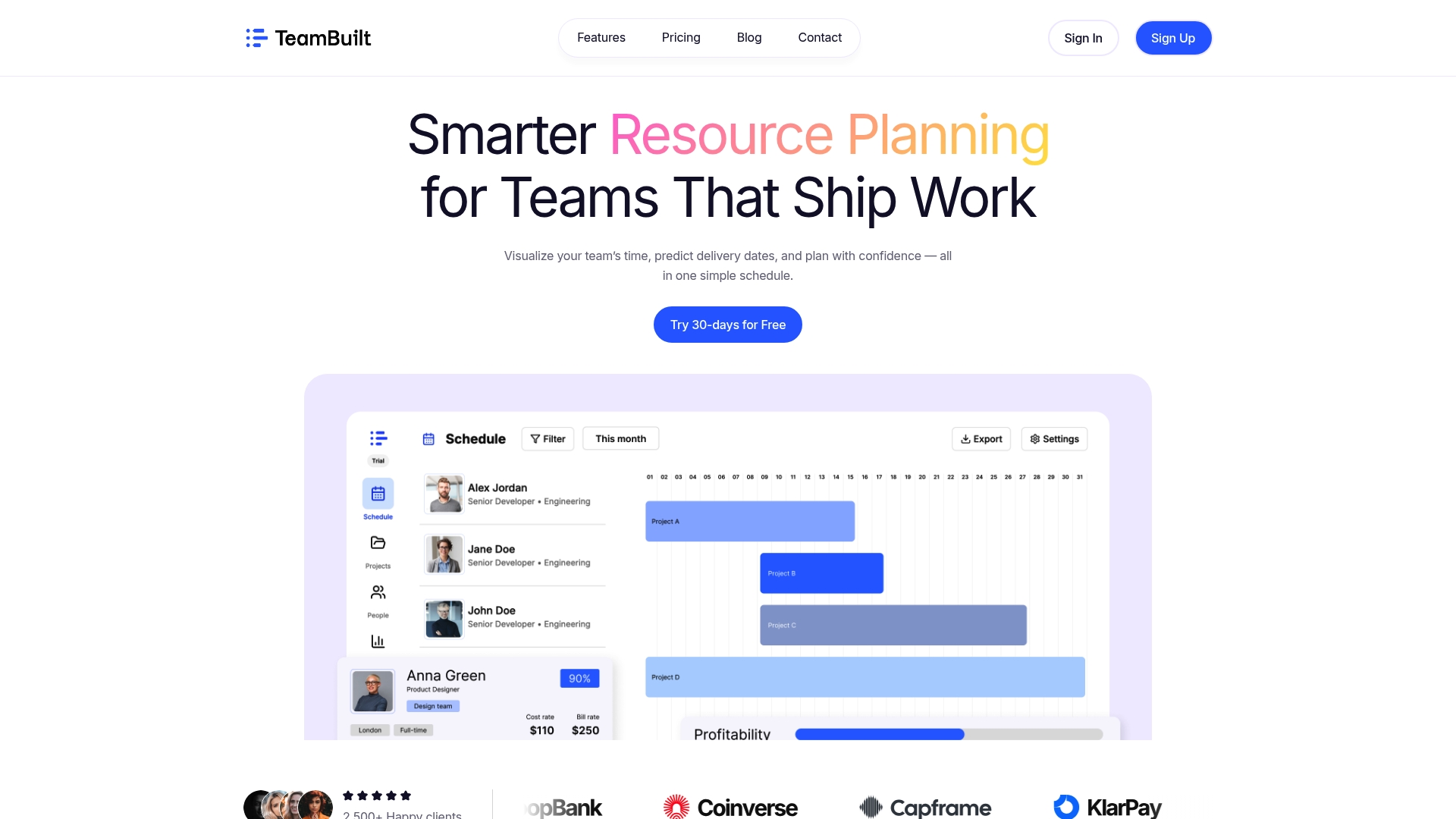
Live, real-time team availability feeds project forecasts so delivery dates reflect who is actually free right now. Teambuilt combines schedule visualization with capacity metrics and API hooks to replace spreadsheet juggling for growing teams.
Core Features
- Real-time team scheduling visualization that shows who is booked and who is available across projects.
- Project forecasts and delivery date prediction driven by resource availability and utilization data.
- Capacity and utilization tracking for role level and individual contributors so you can see load at a glance.
- Cross-team coordination tools that centralize planning and reduce schedule conflicts between squads.
- Live availability data that updates planning views as assignments change during the week.
Key Differentiator
The product’s core distinction is its live availability feed tied directly to project timelines. That connection means forecasts are not separate reports but a current state you can use to make commitments and rebalance work immediately.
Pros
-
Improves planning accuracy and confidence by surfacing current availability rather than relying on static guesses. That reduces missed commitments when priorities shift.
-
Reduces the need for multiple tools and spreadsheets by consolidating schedules, forecasts, and utilization in one place. Fewer manual lookups speed weekly planning cycles.
-
Enhances team visibility and workload balancing so managers can spot overloads and reassign work before deadlines slip. This helps protect high performers from chronic overbooking.
-
Supports growth with role-based access and API integrations so operations teams can sync HR and billing systems without manual exports.
-
Transparent pricing removes surprise costs during hiring sprints and makes quarter by quarter budgeting more predictable.
Cons
- Custom reports and advanced analytics are limited compared with specialized BI tools, so teams that need deep ad hoc analysis will still export data for external processing.
Who It’s For
Startups and small to medium sized organizations that need a single source of truth for resource planning. Project managers, operations leads, CTOs, and HR pros who want to replace spreadsheets and improve delivery predictability will get the most value.
Unique Value Proposition
By tying live availability to forecasts you shift planning from optimistic commitments to evidence based dates. That change reduces replan cycles, shortens decision loops for resource moves, and makes client commitments defensible during investor or executive reviews.
Real World Use Case
A rapidly growing startup consolidated team schedules in Teambuilt. Planners stopped overbooking by visualizing capacity across three teams. The result was fewer missed deadlines, faster weekly planning meetings, and clearer justification for hiring requests.
Pricing
Free plan available. Pro at $4 per user per month and Growth at $3.6 per user per month when billed annually. The vendor advertises transparent pricing with no hidden fees.
Website: https://teambuilt.app
Zentrik
At a Glance
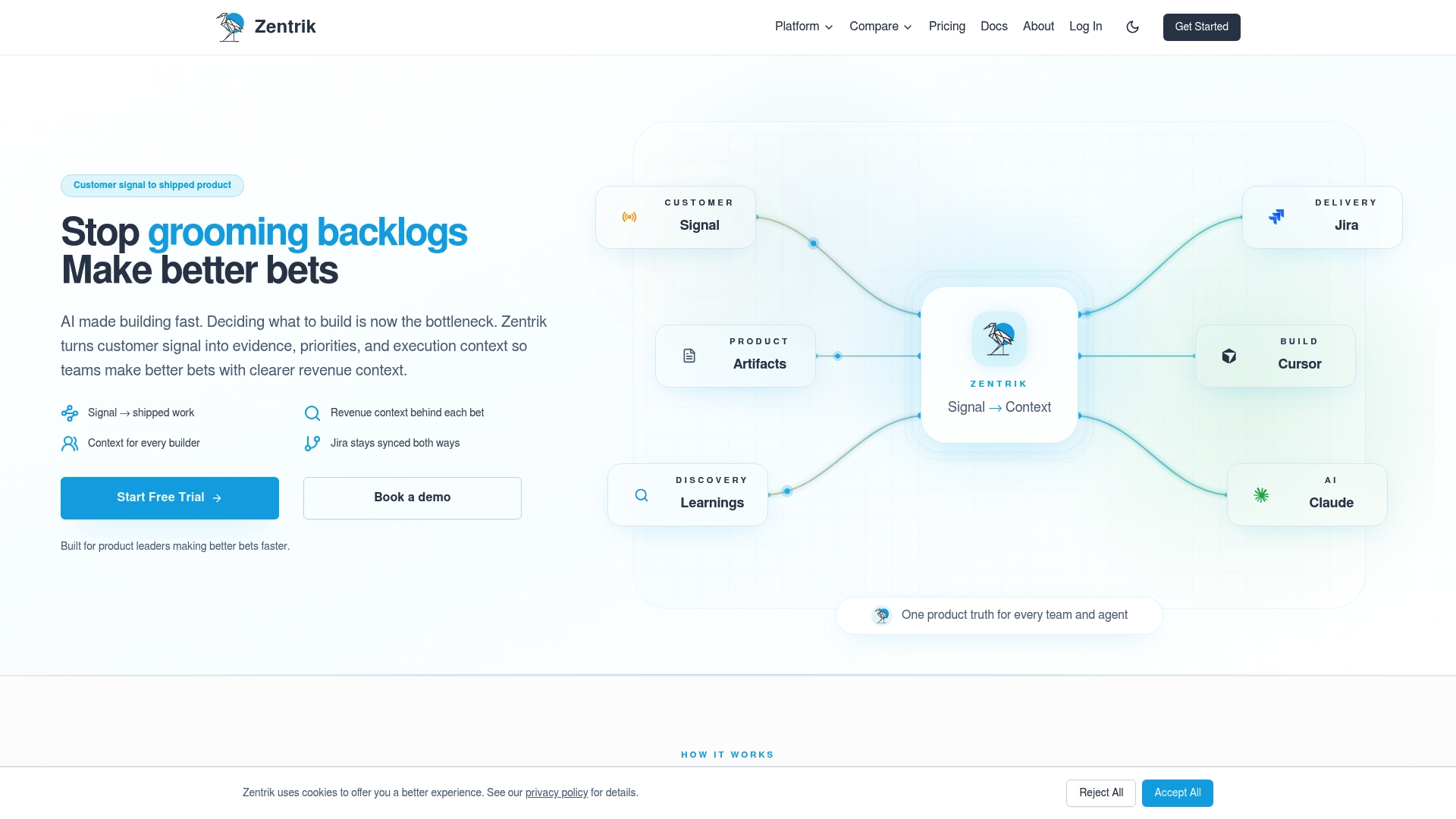
Zentrik’s marketing materials claim users can cut planning cycles from weeks to minutes. That claim frames the product: an evidence-first product management platform that pulls customer calls, tickets, and CRM signals into a single workflow with AI help.
The platform emphasizes traceability so decisions stay linked to the original evidence and to downstream work.
Core Features
- Connects customer signals into an evidence graph that keeps feedback, tickets, and calls attached to decisions.
- Converts signals into opportunities, initiatives, and tasks with AI assistance that drafts PRDs, briefs, and prototypes.
- Structured discovery, prioritization, roadmapping, and two-way syncs with existing tools to preserve context across systems.
Key Differentiator
Zentrik centers decision records as first class objects, combining decision tracking with automation. That combination aims to keep evidence, tradeoffs, and outcomes tied to every initiative while feeding generated specs directly into execution tools.
Pros
-
Cuts backplanning overhead by automating documentation and turning signals into initiatives. Users cited in vendor materials report dramatic time savings that free PMs to focus on strategy.
-
Keeps context with every item. When engineers open a ticket they see the hypothesis, customer quotes, and linked metrics, which shortens handoffs.
-
Integrates without replacing existing systems. Two-way syncs with trackers and docs let teams keep their current workflows while adding traceable decision records.
-
AI features speed consistency. Auto-generated PRDs and prototypes reduce writing time and enforce a single source of truth for specifications.
-
Supports alignment across planning and OKRs. Product leaders can map initiatives to strategic goals inside the same workspace.
Cons
-
Public trust signals are thin. There are few third-party reviews and no widely published user counts, so independent validation is limited.
-
Pricing and support details are not published. That opacity makes shortlisting harder for teams that need predictable per-seat or tiered costs.
-
Integration setup may be nontrivial for very large orgs. The platform’s power depends on connected systems, which raises configuration and governance work.
When It May Not Fit
If your organization needs a product with widely documented customer references and transparent pricing, Zentrik may feel risky. If you lack the integration engineering bandwidth to configure two-way syncs, adoption will be slower.
If your team only needs a lightweight roadmap tool without evidence capture, the platform is likely more than you need.
Notable Integrations
- Jira for two-way issue sync.
- Confluence for linked docs and specs.
- Slack for real-time signals and alerts.
- HubSpot, Salesforce, Zendesk, Freshdesk for customer and support data.
Who It’s For
Product managers and product leaders at mid-market and enterprise tech teams who want traceability from customer signal to shipped work. Best for teams ready to invest in integrations and governance to centralize product evidence.
Real World Use Case
A product team imports support tickets and call transcripts, surfaces recurring complaints as opportunities, and uses AI to draft a spec. The spec syncs to Jira with linked acceptance criteria and the initiative maps to the product OKR, keeping the full thread of evidence intact.
Pricing
The vendor does not publish standard tiers. Pricing appears to be available by enterprise quote or on request, with trials or demos likely used during evaluation.
Website: https://zentrik.ai
ProjectContexts
At a Glance
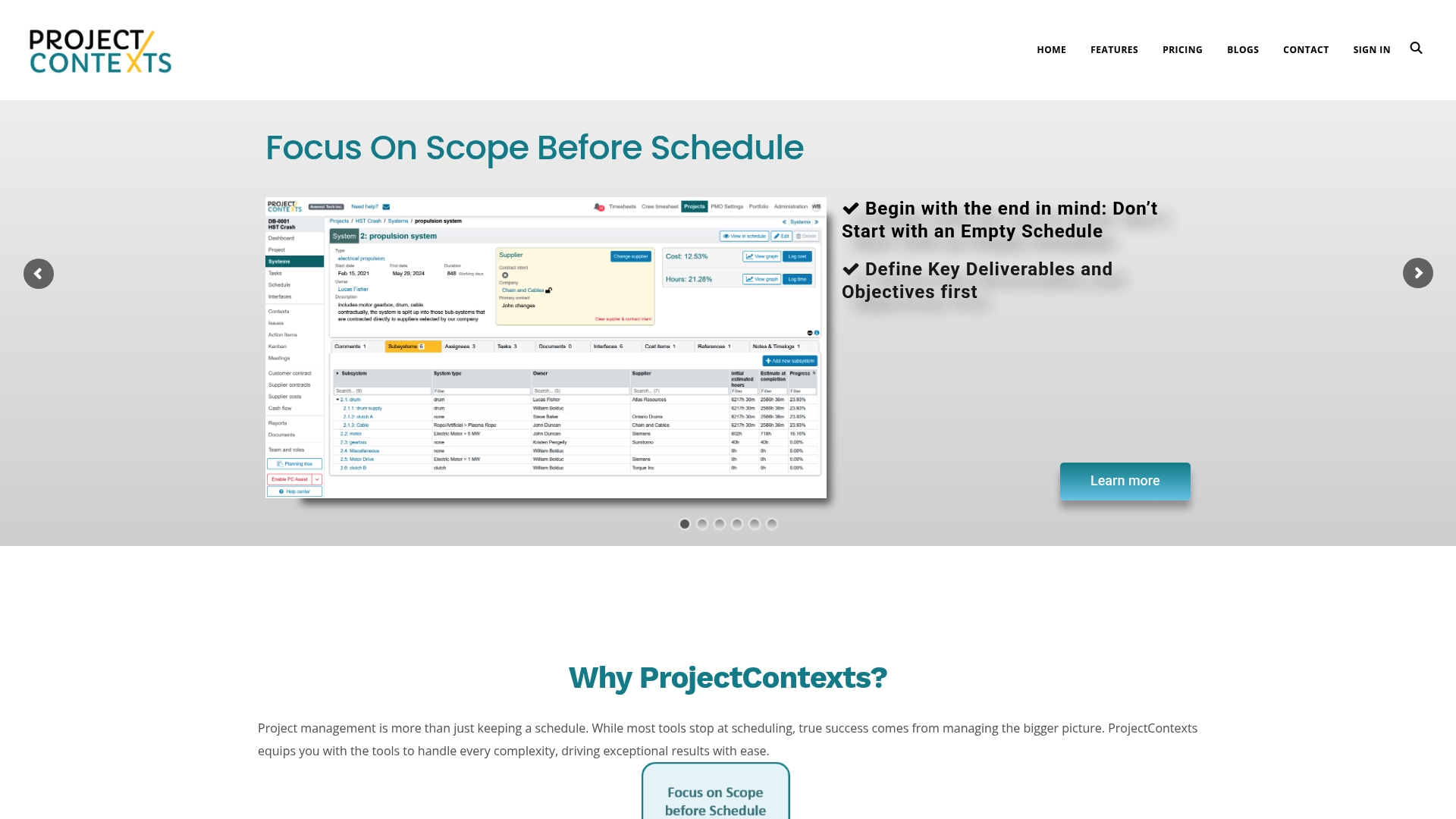
ProjectContexts prioritizes defining project scope before building schedules, forcing teams to lock objectives and constraints up front. That shift aims to reduce rework and align stakeholders earlier in the lifecycle while preserving agile responsiveness across workstreams.
Core Features
ProjectContexts centers planning on outcomes and then maps effort to those outcomes.
- Scope Before Schedule guides initial project setup with clear objectives and boundaries rather than immediate timelines.
- Context objects pair with Kanban workflows to let teams switch between on-schedule and off-schedule work without losing traceability.
- Portfolio View offers cross-project resource allocation, lessons learned, and centralized documentation for decision makers.
- Timesheet and financial tracking provide live budgeting, cash flow visibility, and resource usage reports.
- Flexible ownership and permission controls reduce micromanagement by delegating tasks with custom access rules.
Key Differentiator
The product places scope definition at the start of project planning rather than treating scope as a moving constraint. That approach reframes change requests as scope changes to be negotiated not as schedule slips, which can improve strategic alignment for portfolios with competing priorities.
Pros
-
Allows teams to surface objectives early, which often reduces backtracking during execution and clarifies stakeholder expectations.
-
Provides unified dashboards and collaboration tools so project leads get real-time oversight across multiple projects and teams.
-
Flexible task ownership and custom permissions let managers delegate without losing control of who can change scope or status.
-
The mix of Kanban plus Context objects supports both predictable delivery and ad hoc work in the same workflow, helping teams preserve focus while adapting.
-
Built-in timesheet and financial tracking ties effort to budget, making it easier to flag overruns during planning rather than after the fact.
Cons
-
The breadth of features means a noticeable learning curve for new users; initial setup and role mapping require time and governance.
-
The vendor materials do not list specific third-party integrations, which raises questions about compatibility with existing tools and single sign on setups.
-
Pricing details are not provided in the available content, so procurement will likely need direct vendor discussions to evaluate cost impact.
When It May Not Fit
If your team needs a drop-in Kanban board with minimal training this product may feel heavyweight. Organizations that depend on a long roster of prebuilt integrations should verify compatibility before committing. Also, teams needing transparent, per-seat pricing up front will require a vendor conversation.
Who It’s For
Project managers, program leads, and operations teams at mid to large organizations that run multiple concurrent projects and need portfolio-level visibility. It appeals to teams that want to lock scope early while retaining agile execution patterns.
Real World Use Case
A construction firm uses ProjectContexts to define scope packages before contractors are scheduled. Project leads track budgeted hours through timesheets, monitor cash flow across sites, and surface lessons learned to avoid repeating specification disputes on new projects.
Pricing
Pricing is not specified in the public materials and appears to require direct inquiry or a trial to determine. Expect vendor pricing conversations to cover seat counts, portfolio scale, and any professional services for onboarding.
Website: https://projectcontexts.com
Oplo
At a Glance
The product’s public site currently shows client-side errors that block access to feature pages and documentation. The vendor advertises a free tier for teams up to 7 users and paid plans starting at $2 per user per month, which is self-reported.
Core Features
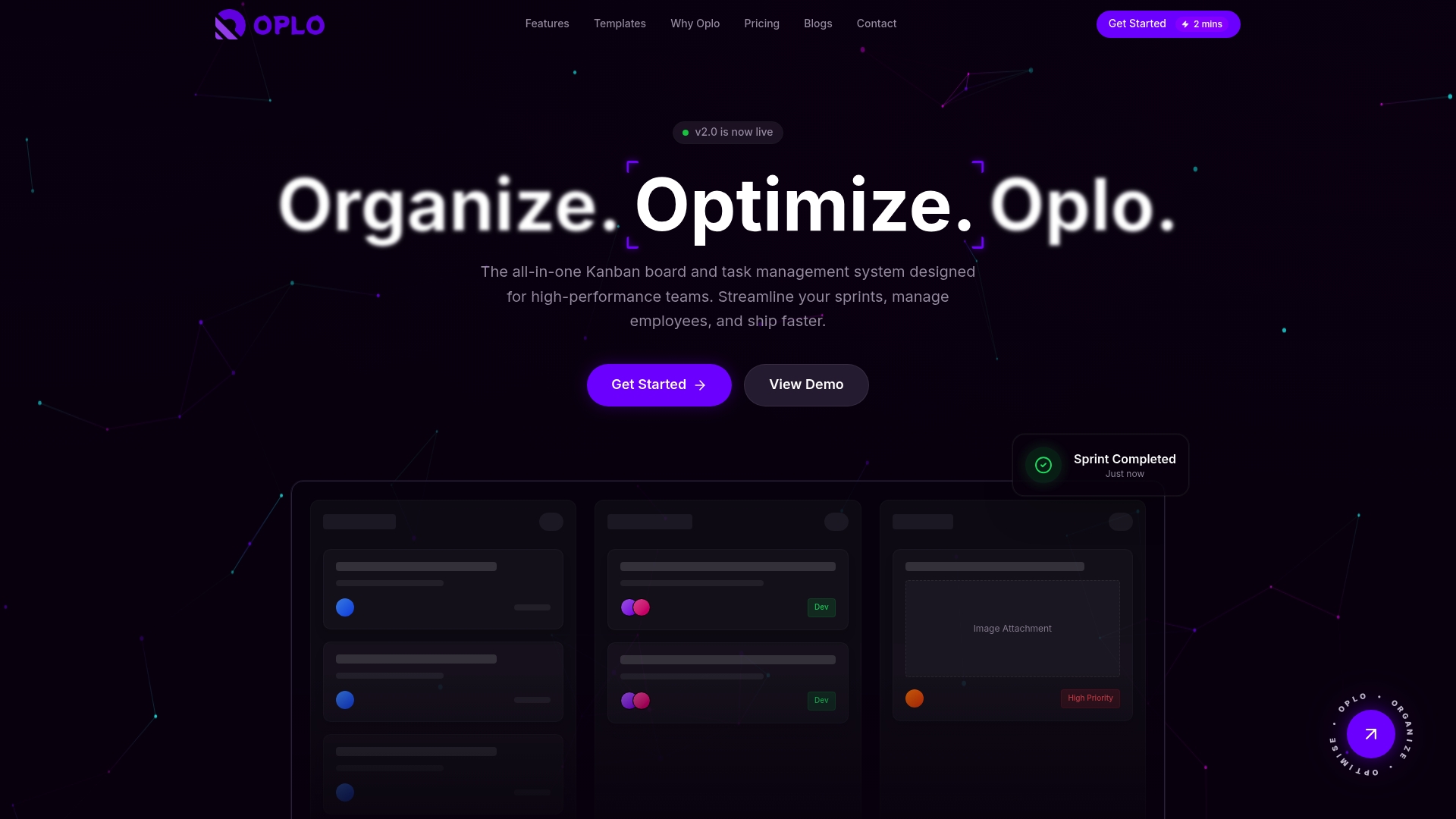
- Kanban Boards for sprint and task flow, intended as the primary work surface.
- Team & Member Management with roles and mentorship org charts to map reporting lines.
- Attendance & Out-of-Office Tracking for remote and hybrid teams to log presence and leave.
- Personal Expense Management for reimbursements and expense records.
- Certificates & Compliance repository to store training and regulatory documents.
Key Differentiator
Oplo tries to combine project workflows, HR functions, and operational tooling inside one product. That single-pane approach positions operational data next to project work so people and compliance records live where tasks are planned.
Pros
-
Replaces multiple tools with one product, which reduces the number of logins and separate data stores your team must maintain.
-
Designed to centralize operational and project data, which can cut onboarding time when new hires need access to both tasks and HR records.
-
The vendor advertises enterprise-grade security including passkey login and encryption, a claim that may appeal to teams handling compliance-sensitive documents.
-
Built-in attendance, expense, and certificate features mean fewer point solutions to glue together for small HR teams.
Cons
-
Limited independent user feedback is available, so usability and customer support quality are hard to verify externally.
-
Current website errors prevent reviewing detailed feature behavior, pricing details, and the live admin experience, which complicates purchase evaluation.
-
The integrations list includes a “Coming Soon: Slack” entry, suggesting parts of the ecosystem may still be under development.
When It May Not Fit
If you require mature third-party reviews, audited security reports, or stable public documentation before procurement, Oplo’s current site issues make it a risky choice. Large enterprises that need advanced resource allocation or custom reporting should validate feature depth first.
Notable Integrations
- Coming Soon: Slack
- Google Workspace
- GitHub
- Microsoft Teams
- Notion
- Jira
Who It’s For
Growing teams, startups, and small to midsize enterprises that want fewer point tools and prefer a single product to handle projects, attendance, expenses, and compliance storage. Useful for teams with a lean operations function that wants consolidated records.
Real World Use Case
A remote development team tracks sprint boards in the Kanban view, logs holiday and attendance for capacity planning, submits expense claims, and stores compliance certificates in one place. The team reduces tool count and keeps project and HR context together.
Pricing
The vendor’s materials state a free plan for teams up to 7 users and paid plans starting at $2 per user per month. Enterprise pricing and growth tiers are listed as available but require contacting sales for specifics.
Website: https://oplo.one
Comparative Analysis
When evaluating team resource planning software, several options stand out by catering to different operational needs and organizational structures. A comparative analysis highlights unique strengths and areas for consideration among the contenders.
Adaptability and Live Data Integration
Teambuilt.app excels in integrating live team availability directly into project forecasts. By providing dynamic scheduling updates, it enables real-time decision-making that reduces overbooking risks effectively. This capability distinctly contrasts with the static data dependencies seen in ProjectContexts, where upfront planning is needed to establish scope. For teams that prioritize live updates to dynamic resource pools, Teambuilt.app offers a strategic advantage.
Evidence-Driven Decision Records
While Teambuilt.app emphasizes proactive resource allocation, Zentrik introduces a evidence tracking feature. This allows product management teams to maintain an audit trail from customer feedback through to product development. For enterprises requiring detailed traceability of decisions and aligned OKRs, Zentrik provides a crucial advantage.
Best Fit Scenarios
- Teambuilt.app is ideally suited for small to medium organizations seeking an intuitive platform to integrate scheduling and resource capacity to improve project delivery accuracy.
- Zentrik is ideal for companies that prioritize accountability, with features focused on maintaining decision records integrated with their CRM and support systems.
- ProjectContexts fits teams involved in multi-faceted, portfolio-level project management where scope definition is critical in planning.
Our Pick
Teambuilt.app bridges the gap between real-time resource availability and accurate project forecasting, making it particularly beneficial for organizations experiencing rapid changes in team allocation or scaling requirements. For teams with fixed objectives but evolving technical needs, alternative solutions like Zentrik or ProjectContexts may provide more suitable features aligned with their workflow. For most circumstances, Teambuilt.app serves as a versatile solution for a wide range of team management challenges.
Comparison of Team Resource Planning Software
Easily identify the team management platform that aligns with your resource planning and scheduling requirements from the comparison below:
| Product | Core Feature | Key Differentiator | Best For | Pricing | Notable Limitation |
|---|---|---|---|---|---|
| Teambuilt | Real-time team scheduling visualization | Live availability linked to forecasts | Growing teams needing effective planning | Free, $4/user or $3.6 if annually billed | Limited advanced custom reporting tools |
| Zentrik | Evidence-based product management workflows | AI-driven documentation and specs | Mid-size to enterprise tech product teams | Not disclosed | Thin independent user feedback |
| ProjectContexts | Scope-focused project planning with visibility | Outcome-based scope definition upfront | Portfolio-focused project managers | Not disclosed | Steep learning curve for setup and governance |
| Oplo | Integrated project and operations management | Combines HR and project workflows | Startups and SMBs opting for tool consolidation | Free up to 7 users, $2/user monthly | Vendor site errors prevent thorough evaluation |
Discover Accurate Team Management with Teambuilt
If you want to replace guesswork with real-time clarity on team capacity and project timelines, Teambuilt offers a precise solution. The article highlights challenges like overloaded schedules, fragmented tools, and unpredictable delivery dates. Teambuilt tackles these issues by providing live team scheduling visualization, capacity tracking, and cross-team coordination to reduce conflicts and missed commitments.

Explore how Teambuilt’s resource-driven forecasting can improve your planning accuracy and simplify workload balancing. Visit our Resource management Articles | Teambuilt Blog to learn how to optimize your team’s capacity. Act now to see your project delivery dates update instantly as your team’s availability changes by trying Teambuilt at https://teambuilt.app.
Frequently Asked Questions
How does Teambuilt improve project planning accuracy?
Teambuilt enhances project planning accuracy by providing real-time team scheduling visualization that shows who is booked and available. By surfacing current availability instead of relying on static guesses, Teambuilt reduces missed commitments and helps maintain trust with stakeholders. Consider using Teambuilt for clearer and more reliable project forecasting.
What is the difference between Teambuilt and Zentrik in terms of integration capabilities?
Zentrik excels in linking decision tracking with automation, making it easy to keep evidence connected to every initiative through two-way syncs with existing tools. Teambuilt, while effective for managing real-time availability and project timelines, focuses primarily on resource management as opposed to deep decision integration. If your organization prioritizes decision traceability, Zentrik may be the better fit.
Can I rely on Teambuilt for detailed analytics?
Teambuilt may not meet your needs if extensive custom reporting and advanced analytics are a priority. While it does offer capacity and utilization tracking, teams requiring deep ad hoc analysis might still need to export data to specialized BI tools for further processing. Evaluate your analytics needs to determine if Teambuilt suffices for your reporting requirements.
Which platform is better for tracking multiple projects simultaneously: Teambuilt or ProjectContexts?
Teambuilt offers strong real-time scheduling visualization, making it ideal for managing project timelines effectively, especially for ongoing adjustments. ProjectContexts, however, emphasizes defining project scope before building schedules, which may better suit teams focused on aligning objectives early while still needing agile response capabilities. Consider your team’s priority for either ongoing visibility or early objective definition when choosing between the two.
How does pricing differ between Teambuilt and Oplo?
Teambuilt provides transparent pricing, starting with a free plan and then $4 per user per month for the Pro version, while Oplo starts at a reported $2 per user per month but lacks public pricing details. If budget predictability is critical for your team, Teambuilt’s clear tiers may offer an advantage.
Recommended