Types of Project Workflows: 4 Models Explained



TL;DR:
- Choosing the right workflow type enhances project predictability and reduces coordination gaps across teams.
- Sequential, parallel, state machine, and rules-driven models suit different project complexities and dynamic needs.
Choosing the wrong workflow type doesn’t just slow your team down. It quietly undermines delivery predictability, creates coordination gaps, and forces constant firefighting. The types of project workflows you use shape how tasks move, how teams collaborate, and whether your projects finish on time or stall at the worst possible moment. This article breaks down the four core project management workflows, explains how each one works in practice, and gives you a clear framework for deciding which model fits your next project.
Table of Contents
- Key takeaways
- How to choose from the types of project workflows
- 1. Sequential workflows
- 2. Parallel workflows
- 3. State machine workflows
- 4. Rules-driven workflows
- 5. Comparison of the four workflow types
- My honest take on workflow selection after years of watching teams get this wrong
- Put your workflow knowledge to work with Teambuilt
- FAQ
Key takeaways
| Point | Details |
|---|---|
| Four core workflow types | Sequential, parallel, state machine, and rules-driven workflows each serve different project structures and needs. |
| Match workflow to complexity | Simple, well-defined processes favor sequential flows; dynamic or event-driven projects need state machine or rules-driven models. |
| Parallel workflows accelerate delivery | Running tasks concurrently shortens timelines but requires thoughtful failure handling and task design. |
| Hybrid models are common | Combining workflow types, such as sequential for approvals and parallel for data tasks, often produces the best results. |
| Tooling determines success | The right workflow only works when your project management platform can visualize, track, and enforce it. |
How to choose from the types of project workflows
Before picking a workflow model, you need a clear picture of what your project actually demands. The wrong framework applied to the right project is as costly as no framework at all.
Here are the criteria that matter most when evaluating different workflow models:
- Project complexity and dependencies. A project with 50 tightly sequenced tasks needs a different structure than one with 20 independent workstreams running at once.
- Team size and collaboration style. Small teams with shared context can manage loose workflows. Larger teams with specialized roles need explicit handoff points and clearly defined states.
- Flexibility requirements. Some projects follow a fixed path from start to finish. Others shift based on client feedback, approvals, or live data. Know which one you’re dealing with before designing the flow.
- Risk tolerance for blocking steps. Sequential workflows create single points of failure. If one step stalls, everything stops. That’s acceptable for compliance processes but dangerous in fast-moving delivery environments.
- Integration with your tools and lifecycle. PMBOK identifies five process groups across every project lifecycle: initiation, planning, execution, monitoring and controlling, and closing. Your workflow type needs to map cleanly onto those phases.
Pro Tip: Before you commit to a workflow model, draw the simplest version of your project on a whiteboard. If it naturally looks like a straight line, sequential works. If it branches or loops, you need something more dynamic.
1. Sequential workflows
Sequential workflows are the most straightforward model in project management. Every task follows the one before it in a strict, linear order. Step A must complete before Step B begins, and no task skips ahead regardless of context.
Sequential workflows enforce a strict A-to-B-to-C execution path with zero flexibility. That rigidity is actually the point. In environments where order matters absolutely, such as compliance reviews, regulated content approvals, or CI/CD deployment pipelines, you want every step gated by the one before it.
When sequential workflows shine:
- Compliance-heavy processes where audit trails require documented step completion
- Content publishing pipelines where draft, review, approval, and publish must happen in order
- Structured onboarding sequences where each training module builds on the previous one
- Basic ETL jobs where data must be extracted, then transformed, then loaded in sequence
The core drawback is brittleness. A single blocked step halts the entire project. If your legal reviewer goes on vacation during step three of a seven-step approval chain, nothing moves until they return. There is no workaround built into the model. That single-point-of-failure risk makes sequential workflows a poor choice for projects with external dependencies or unpredictable timelines.
Pro Tip: If you use a sequential workflow for approvals, always define a backup approver for every step. One unplanned absence can freeze a project that was otherwise on track.
2. Parallel workflows
Parallel workflows allow multiple tasks to execute at the same time. Instead of waiting for Task A to finish before starting Task B, both run concurrently and merge at a defined aggregation point.

Parallel workflows handle batch processing and multi-API calls far more efficiently than sequential ones. The performance gains can be dramatic. A project that takes ten days when tasks run one after another might take three days when independent tasks run simultaneously.
This model is ideal for:
- Large development teams where design, backend, and frontend work can proceed at the same time
- Data processing pipelines that need to query multiple sources concurrently
- Marketing campaigns where copy, creative, and media planning are independent workstreams
- Multi-team agency projects where different departments work toward the same deadline
The complexity cost is real, though. When tasks run in parallel, you need to handle partial failures gracefully. If three of five concurrent API calls succeed and two fail, what happens? Does the whole batch retry, or just the failed calls? Designing idempotent tasks, meaning tasks that produce the same result whether they run once or five times, is not optional in parallel workflows. It is a prerequisite.
Cross-team coordination also becomes harder. Without centralized visibility into who is doing what, parallel workstreams drift out of sync. Teams finish tasks at different speeds and wait on each other at merge points without any early warning. Proven workflow structures for SMBs show that visualizing all active workstreams in one place is what separates parallel workflows that accelerate delivery from ones that create confusion.
3. State machine workflows
State machine workflows work differently than the previous two models. Instead of defining a list of tasks in order, you define a set of states and the transitions between them. A project or object moves from state to state based on events or conditions, not a predetermined sequence.
State machine workflows model projects as predefined states with event-driven transitions, enabling forward, backward, and looped flows. That last part matters. Unlike sequential workflows, state machines can go backward. A ticket can move from “In Review” back to “In Progress.” An order can revert from “Processing” to “Pending Payment” if a card declines.
Common use cases include:
- Order management systems where status changes based on payment, inventory, and shipping events
- IT ticketing platforms where issues move through open, assigned, escalated, resolved, and closed states
- User lifecycle management where accounts transition through trial, active, suspended, and churned states
- Content workflows with multiple revision cycles and conditional approval paths
The challenge with state machines is concurrency. If two events trigger a state transition at the exact same moment, you can end up with conflicting states. This requires proper locking mechanisms and explicit state management. Professional-grade workflows require persisted explicit states rather than relying on implicit states within call stacks to preserve durability and observability at scale.
For project managers, state machines are powerful because they make the full range of possible project states visible and auditable. You always know where something stands and what can happen next.
4. Rules-driven workflows
Rules-driven workflows take dynamic routing to its logical extreme. Rather than following a fixed structure or predefined states, the path each task takes is determined at runtime by evaluating conditional rules against live data.
Rules-driven workflows dynamically route tasks based on evaluating complex conditional logic. A purchase request under $500 might auto-approve. One over $10,000 might require two senior sign-offs and a finance review. The routing decision happens automatically based on the values present when the workflow runs.
Use cases where this model excels:
- Dynamic approval chains that scale based on request value, department, or risk level
- Fraud detection pipelines that route transactions based on risk scores
- Client onboarding workflows that branch based on company size, industry, or selected plan
- HR processes where policy application varies by role, seniority, or location
The flexibility comes at a price. Debugging rules-driven workflows is genuinely difficult without externalized state tracking and dedicated rules engines. When a workflow takes an unexpected path, tracing why requires visibility into every rule evaluation that occurred at runtime. Without that tooling, diagnosing failures becomes guesswork.
Rules-driven workflows are not complex by accident. They are complex because the business problems they solve are complex. Investing in the right tooling upfront is not overhead. It is the price of building something you can actually maintain.
5. Comparison of the four workflow types
Choosing between workflow types is easier when you see them side by side. Here is how the four models compare across the dimensions that matter most for project managers:
| Workflow type | Best for | Key strength | Key risk | Complexity |
|---|---|---|---|---|
| Sequential | Compliance, structured approvals | Simple, auditable, easy to manage | Single point of failure | Low |
| Parallel | Multi-team projects, batch processing | Speed, concurrent execution | Partial failure handling | Medium |
| State machine | Order management, ticketing, dynamic lifecycles | Flexible, reversible, event-driven | Concurrency bugs | High |
| Rules-driven | Dynamic approvals, fraud detection, routing | Maximum flexibility at runtime | Debugging difficulty | Very high |
The four primary workflow patterns represent industry standards for operational sequences from project initiation to delivery. No single type is universally superior. The right choice depends on how much your project changes mid-execution, how many people are involved, and what your tooling can support.
Combining workflow types is common and often optimal. A software development project might use a state machine to manage the overall project lifecycle while running parallel workflows for individual feature branches. An agency might use sequential workflows for client approvals while running parallel workflows for production tasks.
Pro Tip: Start with the simplest workflow type that meets your requirements. Adding complexity is easy. Removing it from a live project that teams have already built habits around is painful.
For a closer look at how these models play out in agency environments, the agency workflow guide from Teambuilt covers how to select workflows based on project dependencies in professional services contexts.
My honest take on workflow selection after years of watching teams get this wrong
I’ve seen teams spend weeks debating Agile versus Waterfall when the real question they should have been asking is: what structure does our actual work require? Those are different conversations.
In my experience, the biggest mistake project managers make is choosing a workflow based on what sounds sophisticated rather than what the project actually needs. State machine workflows are genuinely impressive. Rules-driven systems can handle remarkable complexity. But I’ve watched teams adopt both for projects that would have shipped faster and cleaner with a simple sequential flow.
What I’ve learned is that flexible workflows earn their keep on projects where the definition of “done” shifts. When client feedback loops are long, when external dependencies are unpredictable, or when the team is large enough that tasks genuinely can run independently, the added complexity of parallel or state machine workflows pays for itself. On tightly scoped, well-defined projects, that same complexity becomes drag.
The hidden cost nobody talks about is debugging rules-driven workflows without proper tooling. I’ve seen teams build clever routing logic that worked perfectly in testing and behaved unexpectedly in production because no one could see what rules were evaluating in real time. Effective workflow management demands investment in tooling to handle dynamic routing complexity. That is not a nice-to-have. It is the thing that determines whether your flexible workflow is an asset or a liability.
My recommendation: start with sequential, add parallelism where you have genuinely independent workstreams, and only reach for state machines or rules-driven models when the project logic genuinely requires it. Mixing models thoughtfully, rather than adopting the most complex one available, is where experienced project managers separate themselves. Human-AI collaborative workflows are proving this point right now: the teams succeeding with AI-assisted workflows are the ones who preserved explicit human approval gates rather than automating everything and hoping for the best.
— Dima
Put your workflow knowledge to work with Teambuilt
Understanding the four workflow types is the foundation. Putting them into practice across multiple teams and projects is where most organizations hit friction.
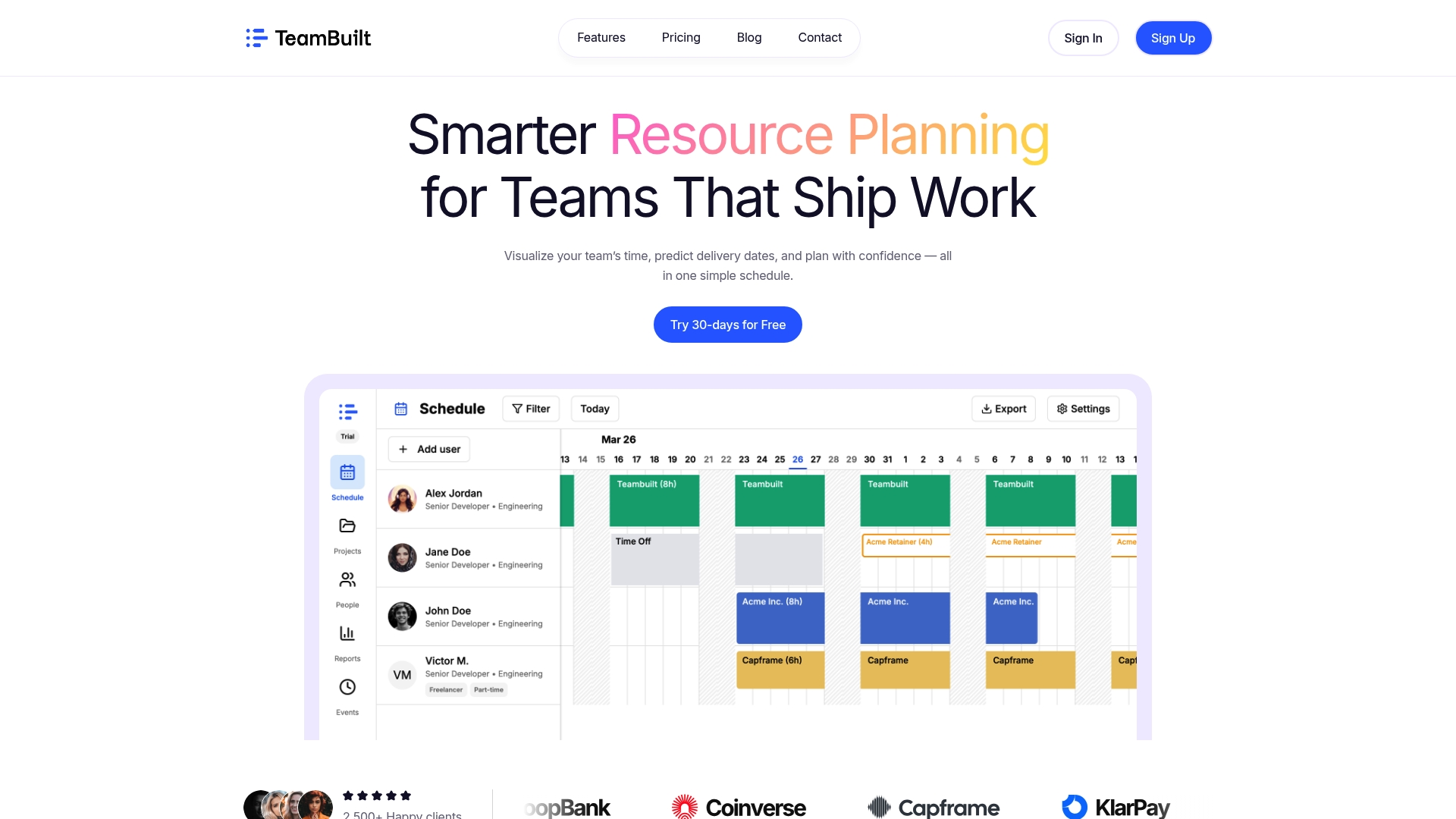
Teambuilt is built for exactly this challenge. The platform gives project managers real-time visibility into team capacity and workload, so you can see whether your parallel workflows are creating resource bottlenecks before they become delivery problems. You can forecast project completion dates based on actual resource availability, not optimistic assumptions. Whether you are running sequential approval chains or managing a complex state-driven project across multiple teams, Teambuilt centralizes your planning so nothing falls through the cracks. Explore how Teambuilt supports complex workflows for growing teams and agencies.
FAQ
What are the four main types of project workflows?
The four core types are sequential, parallel, state machine, and rules-driven workflows. Each handles task execution, routing, and dependencies differently based on project structure and complexity.
How do I choose the right workflow model for my project?
Match the workflow to your project’s complexity, team size, and how much the scope might change mid-execution. Simple, fixed-scope projects work well with sequential workflows, while dynamic projects with event-driven logic benefit from state machine or rules-driven models.
Can you combine different workflow types in one project?
Yes, hybrid approaches are common. A project might use a state machine to manage the overall lifecycle while parallel workflows handle independent workstreams. Combining models often produces better results than forcing one type to cover all scenarios.
What is the biggest risk with rules-driven workflows?
The main risk is debugging difficulty. Without externalized state tracking and a dedicated rules engine, tracing why a workflow took an unexpected path at runtime becomes extremely difficult to diagnose.
What is a state machine workflow in project management?
A state machine workflow defines a set of states and the allowed transitions between them. Tasks or projects move between states based on events, enabling flows that can go forward, backward, or loop, which makes them ideal for order processing, ticketing, and user lifecycle management.
Recommended